Interface and device settings
Interface and appearance
Open Settings → Interface & Appearance to adjust dark mode, custom fonts, and favorites display.
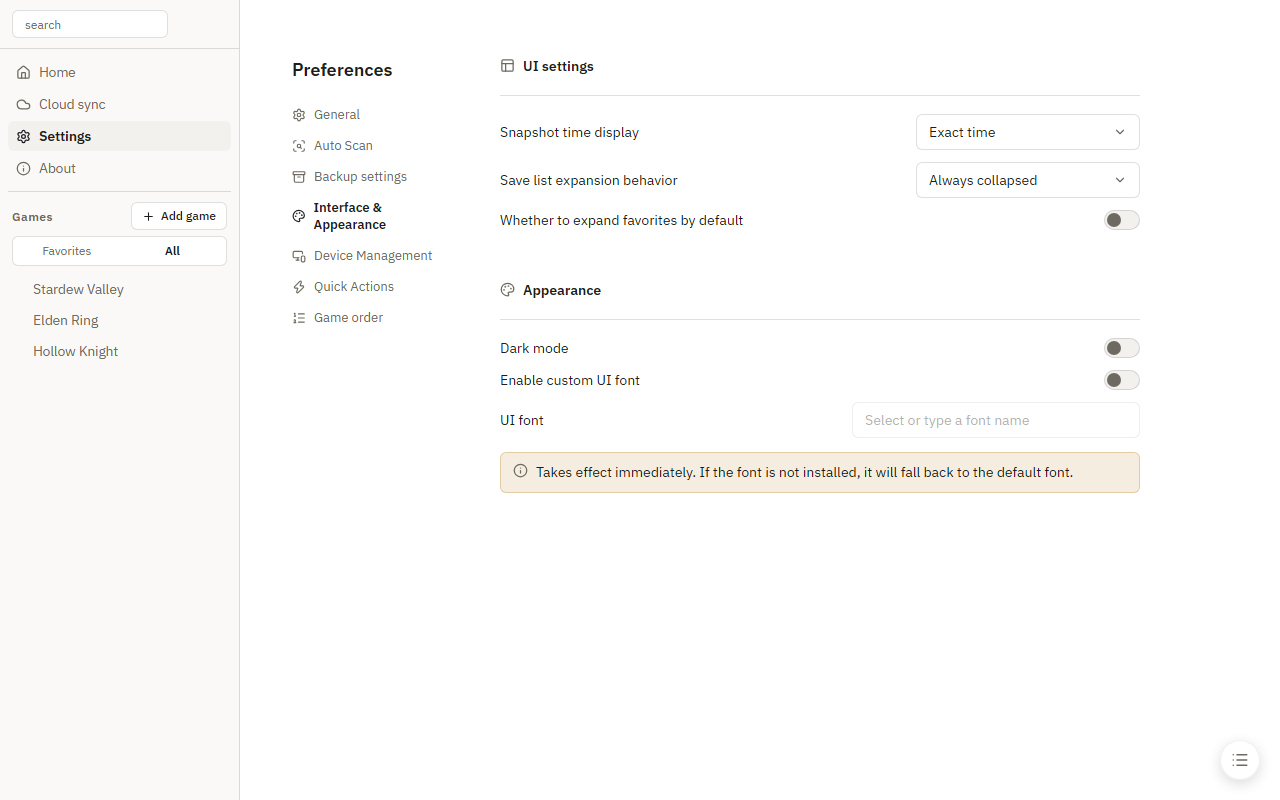
Snapshot time display
- Exact time (default): the full date and time, such as
2026-09-08 20:42:18. - Relative time: recent snapshots show "just now", "8 minutes ago", or "2 hours ago"; yesterday's show "Yesterday 22:15"; older snapshots show a date.
Hover over the time to see the exact timestamp.
Device management
In Settings → Device Management, rename devices, view connected devices, or import another device's path settings.
See Save locations and path variables for the steps.