Adding and detecting games
Add a game manually
- Click Add game in the sidebar and enter a name.
- Add save folders, files, or Windows registry entries.
- Choose a game executable if needed, then click Save.
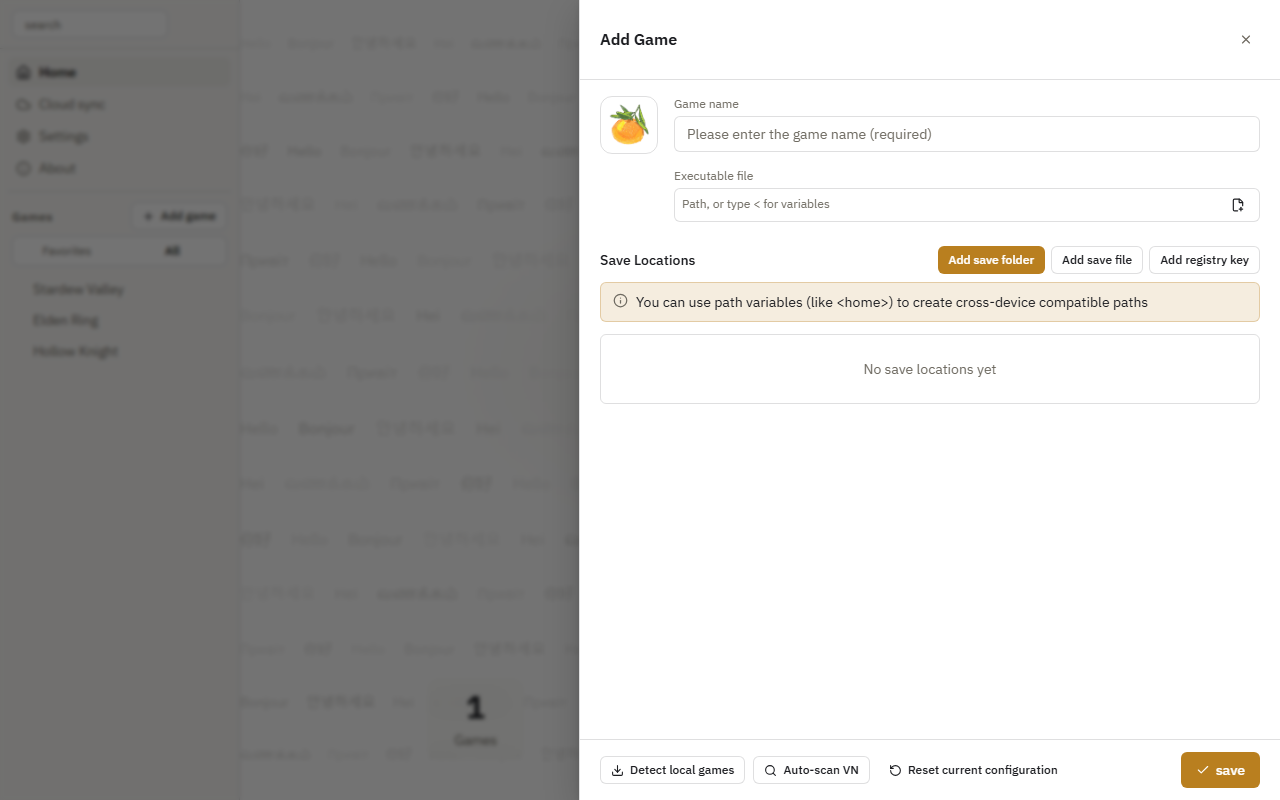
Detect local games
- Click Detect local games in the Add Game panel.
- Search for and select games, then review the detected save locations.
- Confirm the entries to import.
You can import several games at once. Update the detection database and add game library folders in Settings → Auto Scan.
Scan visual novels
Add scan folders in Settings → Auto Scan, then click Auto-scan VN in the Add Game panel.