Automatic backups
Open Auto-save settings from the game's top-right menu.
Timed backups
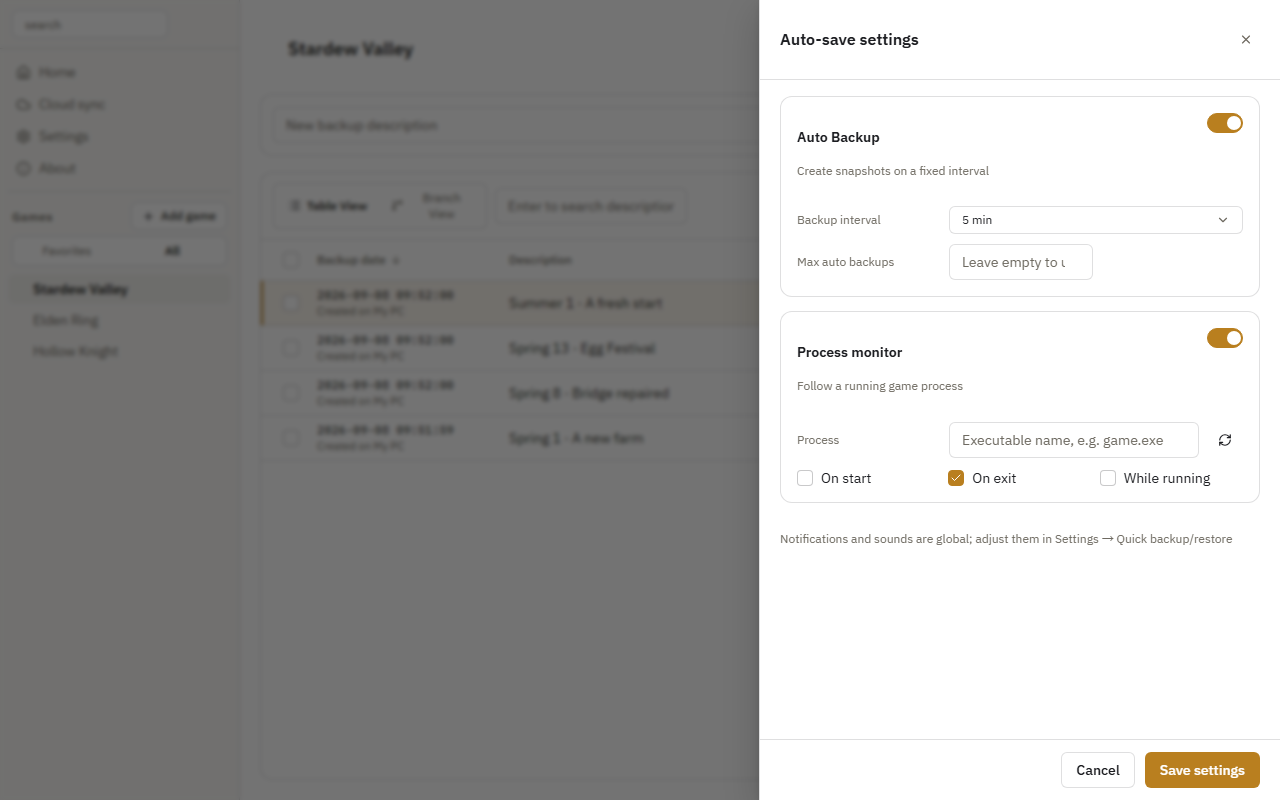
- Enable Auto Backup.
- Choose the interval and maximum number of timed backups. Leave the limit empty to use the global setting.
- Click Save settings.
Back up when the game runs
- Enable Process monitor and select the game process.
- Select On start, On exit, or While running.
- Set an interval if needed, then click Save settings.
A green dot before a game in the sidebar means automatic backups are enabled. Keep Game Save Manager running to use them.
For shared cloud retention, see Copies and cleanup.