Sync modes
Enable cloud sync for a game on the Cloud sync page, then click Sync mode to choose a mode.
| Mode | Purpose |
|---|---|
| Manual | Share snapshot records; upload, download, and restore manually |
| Cloud Backup | Automatically upload new snapshots |
| Multi-device Sync | Automatically upload new snapshots and prompt about available progress from other devices |
Each device can choose a mode for each game.
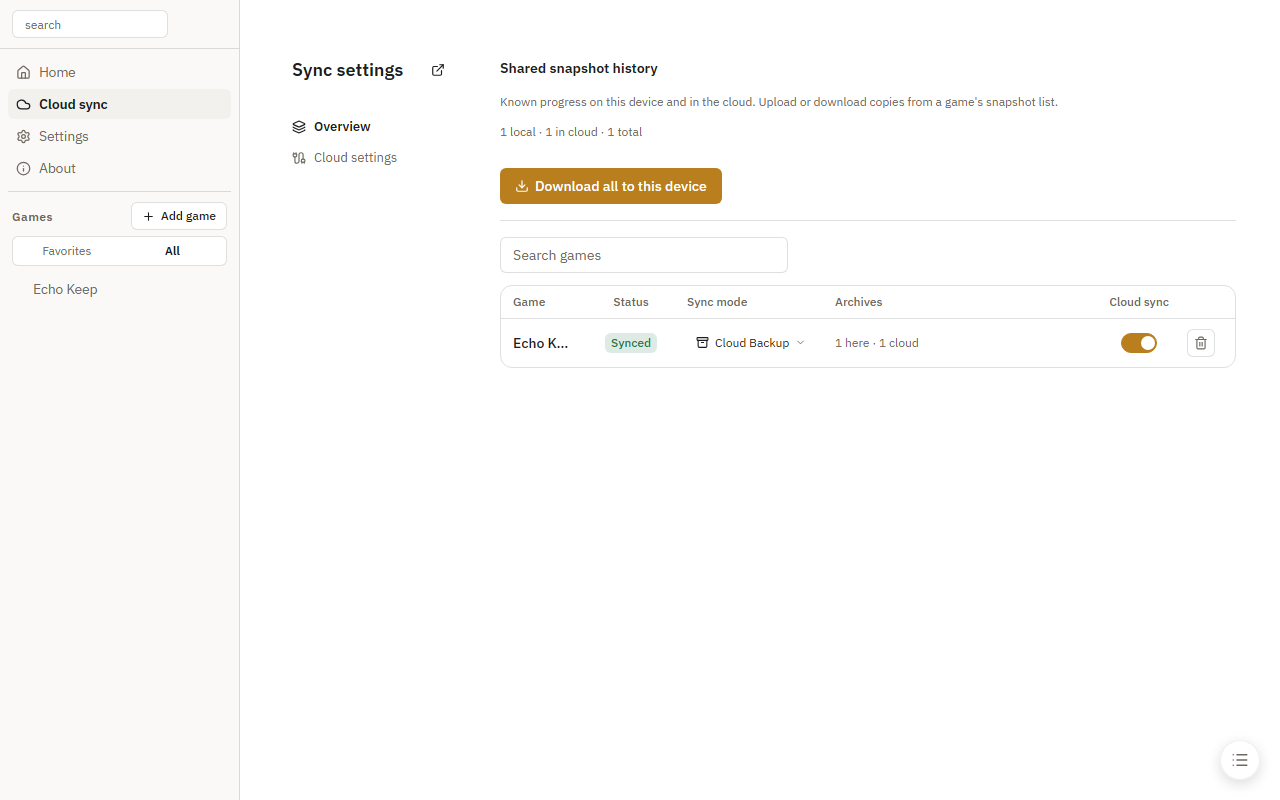
Cloud information refreshes at the configured automatic sync interval. Switching games reuses the information already loaded.